
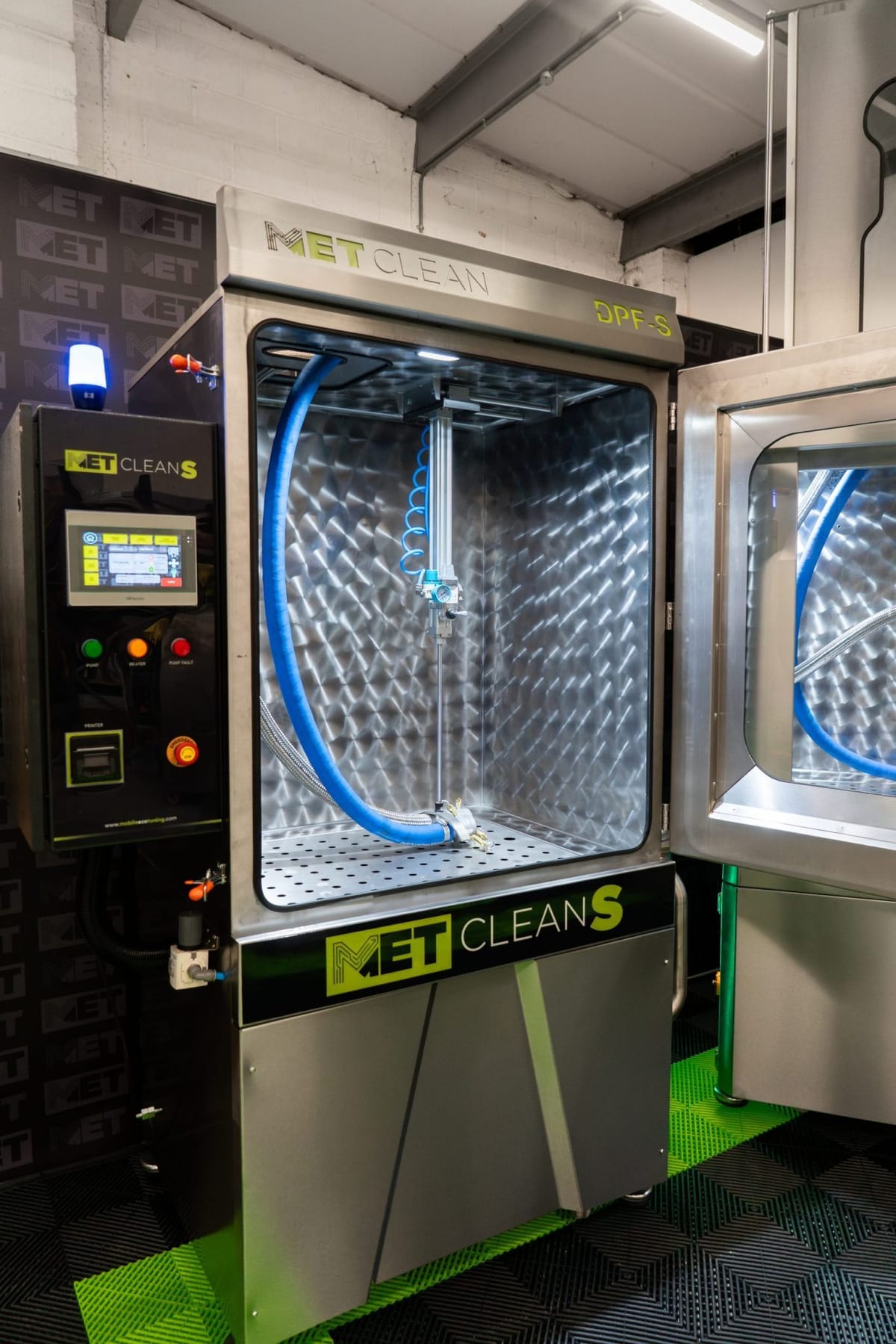
Which machines
Applies to the counter and countdown screen shown in the film. Ask MET to confirm support for your machine and software version if these controls are not visible.
DPF counters and the Auto Clean countdown
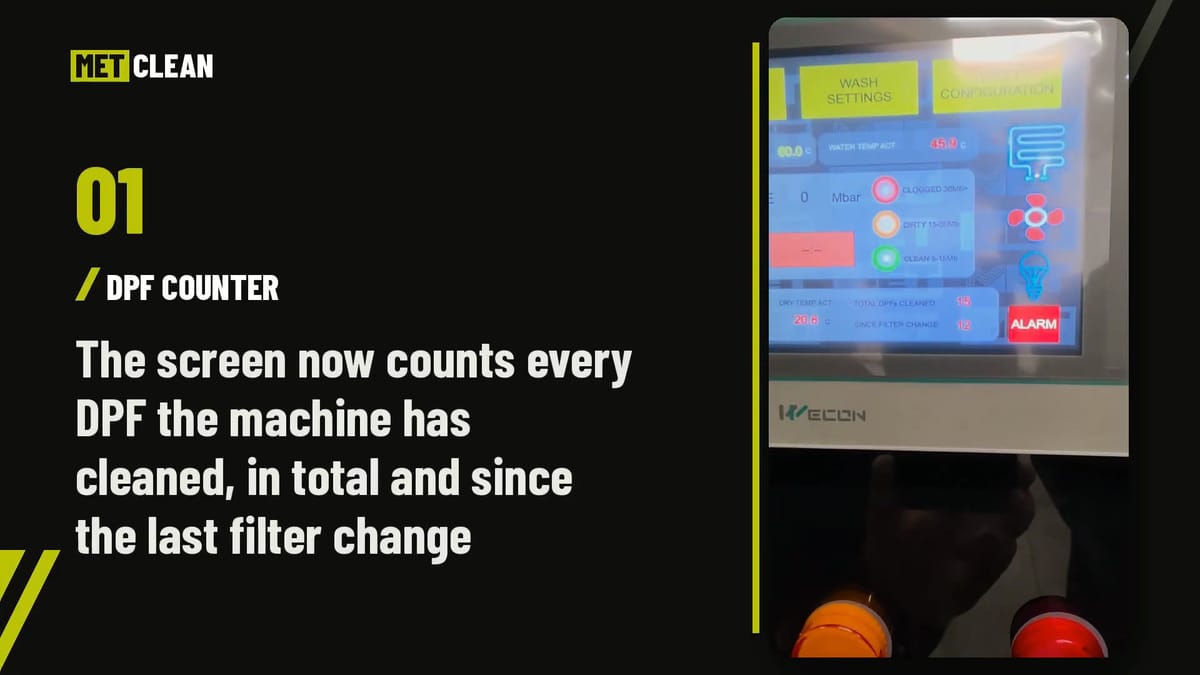
The film shows the lifetime DPF total, the count since a filter change, the reset demonstrated for that count, and the total time remaining during Auto Clean.
Nothing loads from YouTube until you press Play; the film then plays in YouTube’s privacy-enhanced mode, and YouTube may store cookies (cookie policy). Watch on YouTube
Written guide
What is the difference between the two DPF counters?
The lifetime counter records the machine’s total DPF cleans. The since-filter counter records cleans since its last reset. The demonstration resets the since-filter count after a filter change while retaining the lifetime total.
Written guide
How do you reset the METClean since-filter counter?
After changing the machine filters, press and hold SINCE FILTER on the demonstrated METClean S touchscreen for three seconds, until the count returns to zero. A quick tap leaves the count as it was. DPFs CLEANED keeps its running total.
SINCE FILTER records completed Auto Clean cycles since the last reset. Check the filters and water as part of routine maintenance, especially if the wash water is contaminated. If your screen looks different, ask MET to check the procedure against your model, serial number and software.
Reset SINCE FILTER on the METClean S
Shown on the METClean S touchscreen.
MET’s demonstration on a METClean S touchscreen: what the two counters count, changing the filters first, holding SINCE FILTER for three seconds until it returns to zero, and the lifetime count staying as it was.
Nothing loads from YouTube until you press Play; the film then plays in YouTube’s privacy-enhanced mode, and YouTube may store cookies (cookie policy). Watch on YouTube
Written guide
What does the Auto Clean countdown show?
Start Auto Clean as normal. The display then shows the total time remaining for the whole Auto Clean programme. It does not give the time needed for removal, inspection, refitting or the whole customer job.
Use the counter alongside maintenance checks
A job count records use; it does not measure contamination. Follow the maintenance instructions and inspect the condition of the wash water and filtration. Contamination, such as oil in a filter, can require attention before a normal service interval.
Read the maintenance guide for the routine that applies to your machine.
Chapters in the film
Each chapter starts the film at that point. Without JavaScript, the link opens the film on YouTube at the same moment.
Common questions
Does resetting the since-filter counter remove the lifetime total?
No. The demonstration resets the since-filter count and retains the lifetime total. Confirm that you are using the same screen and procedure before resetting your machine.
Does the DPF count decide when filters need attention?
It records use. Maintenance also depends on contamination and the instructions for your machine, so check the water and filtration as well as the count.
Can’t see the counters?
Send MET your model, serial number and a photograph of the screen, and we’ll tell you whether your machine and software show them.