
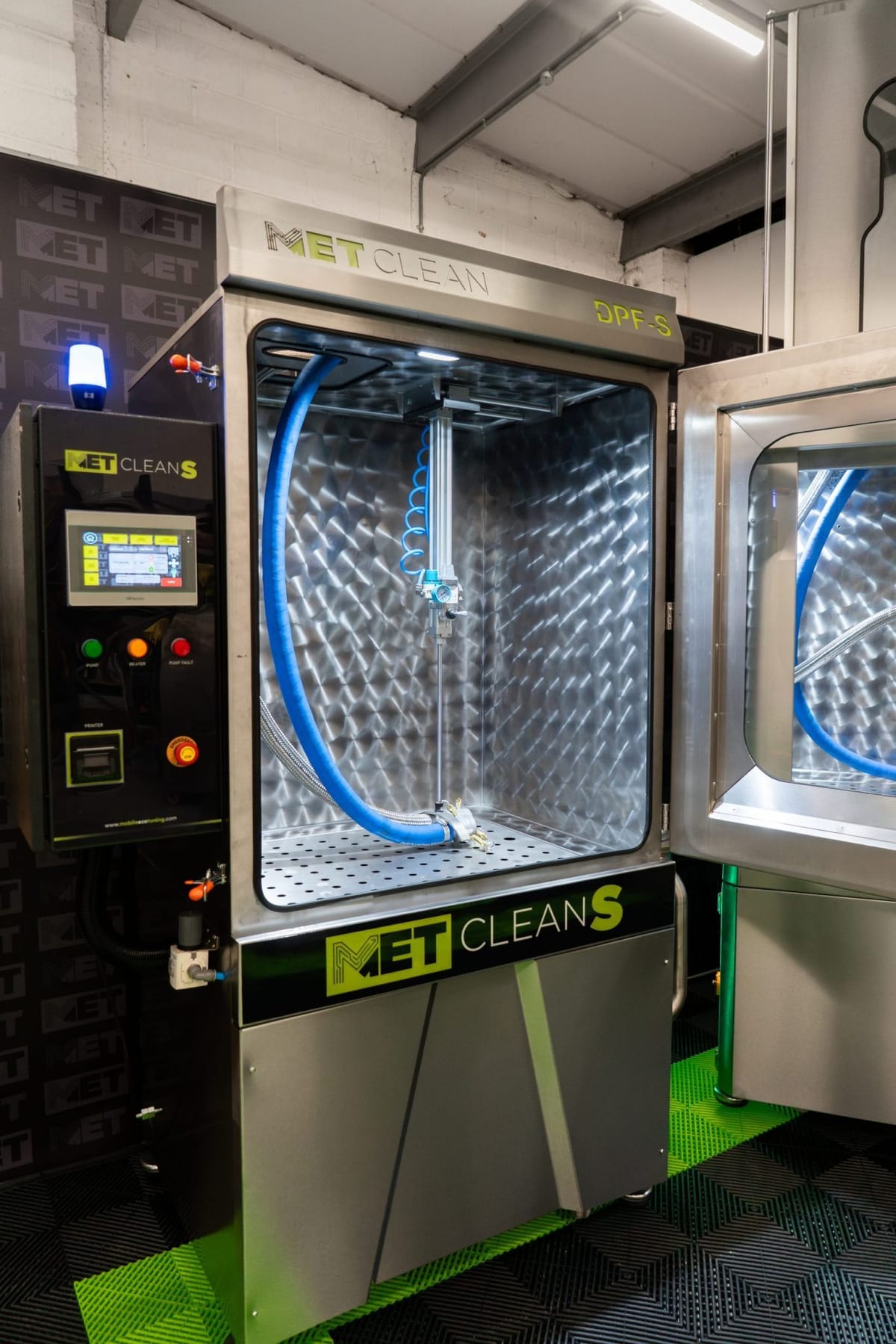
Before you start
For trained operators of the METClean XL Multi+ touchscreen. You need the power and compressed air connected, the tank full and the machine on level ground, with gloves and safety glasses. If your screen looks different, send MET your model, serial number and a photo of the controls.
Watch the METClean XL Multi+ operating film
MET’s walkthrough of a DPF job on the XL Multi+: connecting and clamping the filter, closing the pneumatic door with the two-handed control, the job ticket and pre-test, Auto Clean and Hot Dry.
Nothing loads from YouTube until you press Play; the film then plays in YouTube’s privacy-enhanced mode, and YouTube may store cookies (cookie policy). Watch on YouTube
Written guide
How do you prepare the XL Multi+ for a DPF clean?
Inspect the DPF and identify its exhaust flow direction. Fit the correct adaptor to the outlet so the wash flows back through the filter against normal exhaust flow. Connect the braided wash hose and secure the filter with the clamping ram. Close the pneumatic door using the two-handed control before starting the pre-test. Keep clear of the door and clamp and follow the instructions for your machine.
Written guide
How do you record the pre-test?
Use Ticket Configuration to enter the job details on the demonstrated screen. Run Pre Test according to your machine instructions and read the result before you start the wash. The pre-clean reading records how the filter arrived and can be used in the job record. Record the inspection findings and use the email option only where the software supports it and the correct customer address is entered. See how the pre-clean inspection report records the reading and findings.
Written guide
How do you wash and dry the DPF?
Auto Clean runs the prewash, main wash and high-pressure impact stages. When the wash has finished, follow the manual to change from the wash hose to the drying hose and run Hot Dry using the settings for the component and your machine.
The purge or Hot Dry clears moisture. How much remains depends on the filter design and its condition. Follow the drying and refitting instructions for that component. If it still holds water, check the procedure with MET.
Operating instructions
How to use the METClean XL Multi+
MET’s step-by-step operating guide for the METClean XL Multi+ touchscreen: connecting and clamping a DPF, closing the pneumatic door, the job ticket and pre-test, Auto Clean and Hot Dry, with the screen reference and service intervals.
Download How to use the METClean XL Multi+ (PDF)PDF, 1.2 MB, 8 pages
Need help with your machine?
For current contact details and help with your machine, visit METClean support. Have your model, serial number and a photo of the controls to hand.