
Watch the METClean E control panel walkthrough
MET’s tour of the METClean E control panel shown: the heater switch, the red and green displays, setting the tank temperature and clean time, start and stop, the drying switch, the air regulator and the emergency stop.
Nothing loads from YouTube until you press Play; the film then plays in YouTube’s privacy-enhanced mode, and YouTube may store cookies (cookie policy). Watch on YouTube
Written guide
What do the heater, timer and drying controls do?
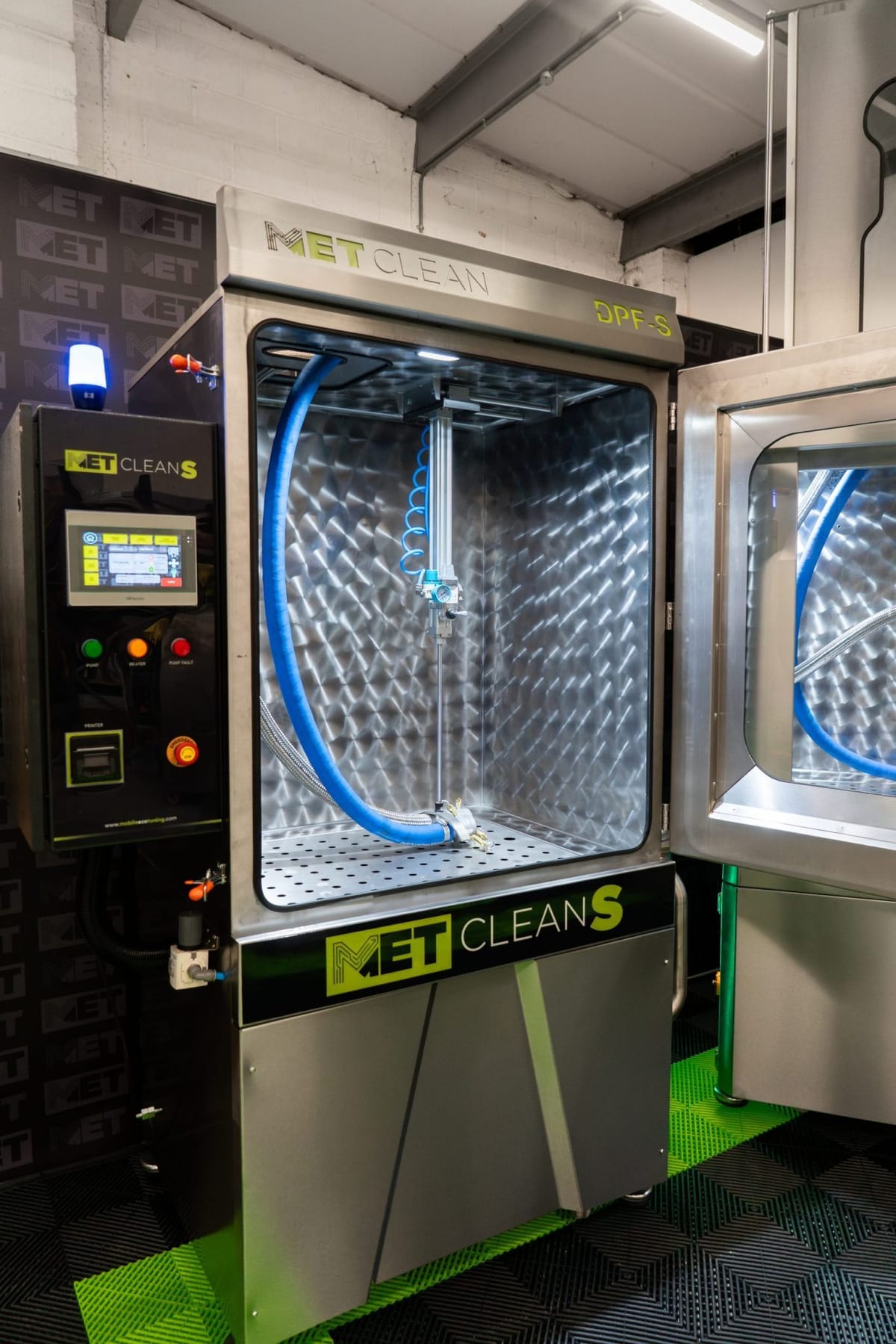
The heater switch turns on tank heating on the panel shown. The temperature control sets the target for the tank, and the timer sets the wash countdown. The start and stop controls run or end the wash. The drying control uses compressed air to clear standing water after washing.
The pressure regulator below the gauge sets the working air pressure, and the emergency stop stops the machine straight away.
Operating instructions
How to use the METClean E
MET’s step-by-step operating guide for the METClean E’s analogue controls: heating the tank, connecting and strapping a DPF, setting the air and clean time, running the clean and blowing the water out.
Download How to use the METClean E (PDF)PDF, 876 KB, 7 pages
Which machines does this panel guide cover?
Use this guide if your panel matches the red and green ESM-9944 controller shown. If you have a V with a separate wash timer and water-flow dial, follow the dedicated METClean V operating guide. If your panel looks different, send MET your model, serial number and a photo of the controls.
Need help with your machine?
For current contact details and help with your machine, visit METClean support. Have your model, serial number and a photo of the controls to hand.