
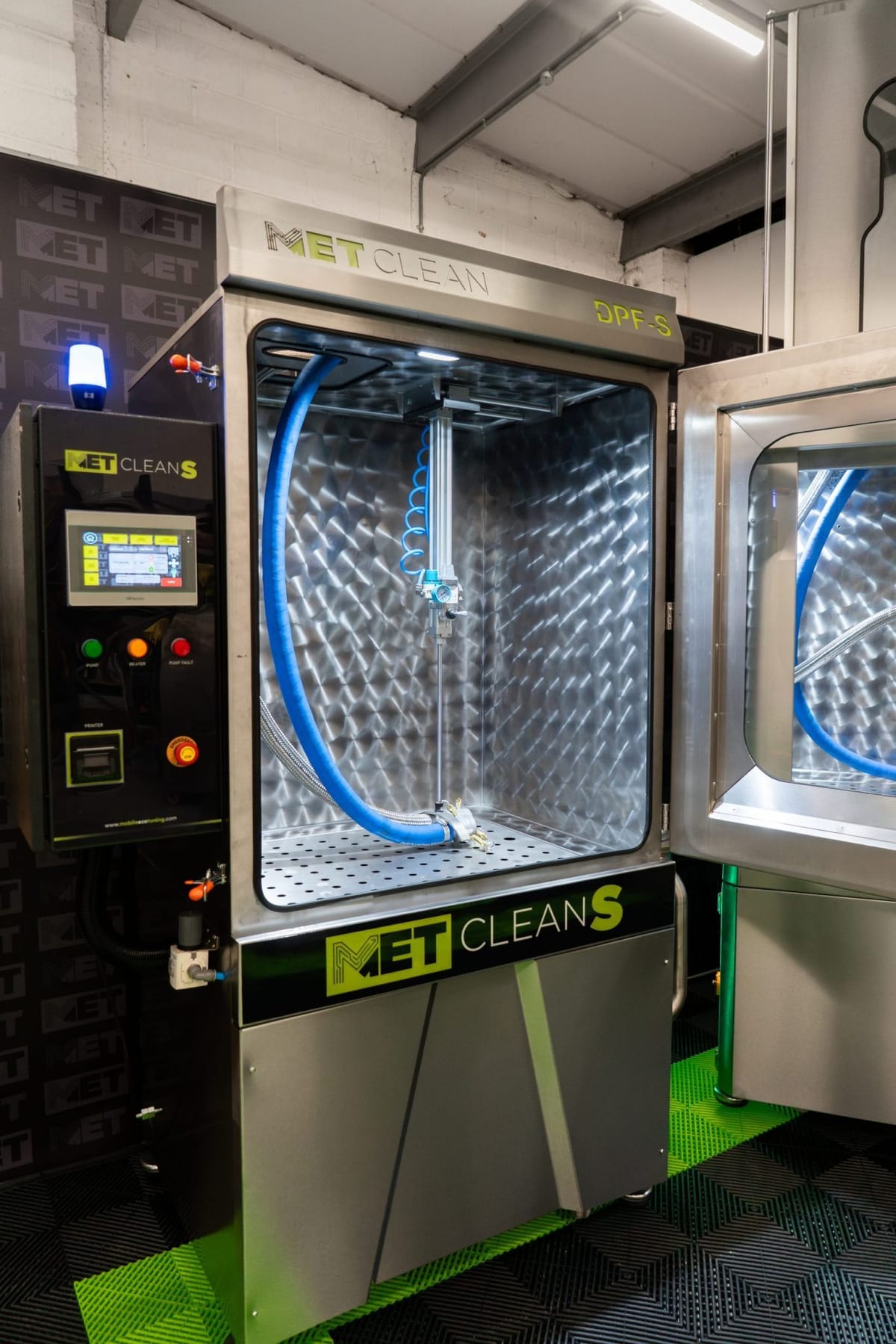
Engineer reference
Serial-number setup requires the MET engineer login. Contact MET technical support before changing calibration or serial-number settings.
Serial-number setup and test-pressure calibration
Engineer reference
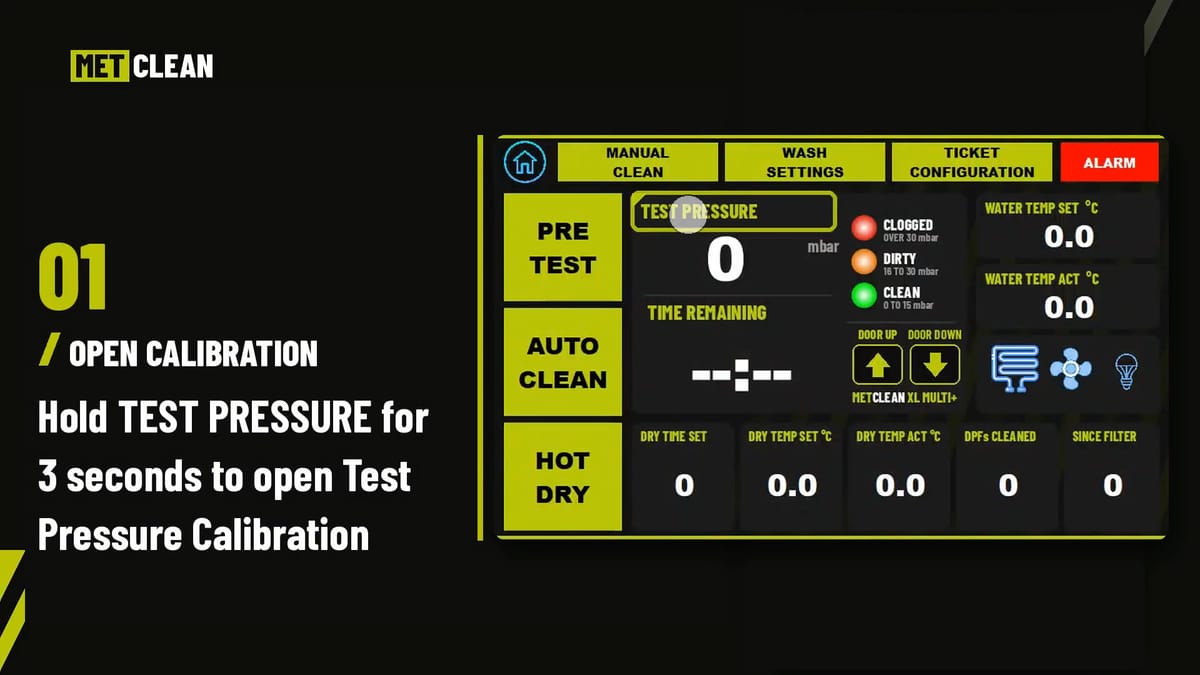
A short reference showing access to the calibration screen, the machine serial-number field, the pre-test sequence and the minimum and maximum calibration controls.
Nothing loads from YouTube until you press Play; the film then plays in YouTube’s privacy-enhanced mode, and YouTube may store cookies (cookie policy). Watch on YouTube
Written guide
What does the calibration video cover?
The demonstration moves from the Test Pressure Calibration screen to the serial-number setting, then through the pre-test and calibration controls. These setup functions are covered separately from the routine operator walkthrough.
- The calibration screen
- Opened from the test-pressure display on the main screen. It holds the machine serial number and the minimum and maximum calibration controls.
- The machine serial number
- Entered in the serial box after logging in with the MET engineer login. The serial links each emailed test report to the machine it came from.
- The pre-test sequence
- The film sets a pre-test time in Wash Settings so there is time to calibrate, starts a pre-test, and opens the calibration screen again while the machine is testing.
- Minimum and maximum
- Each is written with its own control on the calibration screen, under the conditions MET’s engineering procedure sets for that machine.
Chapters in the film
Each chapter starts the film at that point. Without JavaScript, the link opens the film on YouTube at the same moment.
Confirm the procedure for your machine
Check the model, serial number and software version with MET before carrying out calibration. The settings and actions visible in this film must be used within the correct engineering procedure for that machine.
When contacting support, include a photograph of the screen, the issue being investigated and any recent work or settings changes. MET can then confirm the appropriate next step.
Common questions
Is pressure calibration a routine operator adjustment?
No. This guide is presented as an engineer reference. Contact MET before changing calibration or serial-number settings.
Can I use the figures shown as standard settings?
No. Do not treat demonstration values as universal settings. Confirm the procedure for the machine and software version with MET.
Why does the machine need its serial number?
The serial links each emailed pre-clean report to the machine that produced it. Setting it needs the MET engineer login.
Talk to MET before you calibrate
Send the model, serial number, a photograph of the screen and what you are investigating, and MET will confirm the procedure for that machine.